


We were losing 50% of the market as Privado couldn't touch mobile apps. I led the design for the Privado Mobile App Scan that changed that.
Details

What's Privado?
Privado is a platform that scans codebases with its proprietary code-scan engine to map data flows and catch privacy risks before they ship.

What's the gap?
Code-scan works perfectly for web apps, but not at all for mobile apps. This meant losing half of our market, as they were unable to use Privado.

What was my role?
I led the end-to-end design, collaborating with the engineering and product teams to bring Privado's privacy tools to mobile apps.


Context
Privacy teams are spread thin
Testing multiple apps across different platforms and geographies. Privacy teams usually have to punch above their weight. While Privado helps them automate a lot of efforts, mobile apps are not one of them.
Limited Resources
Small teams juggling compliance across multiple apps, platforms and regional laws.
Non-technical
Usually from a legal background. Can't build tests and verify what developers claim.
Goals
Allow privacy teams to scan mobile apps
Web
Mobile
Privado has no way of reading mobile apps
Process
Finding a way to manually map mobile apps
After Privado scans a codebase, it identifies the data flows that provide all the granular details required by a privacy team: data elements, third parties, and databases. It does this automatically. For mobile apps, we aimed to create a manual method for inputting all the objects (data elements, third parties, databases).
Balancing abstractions and complexity to find the perfect trade-offs.
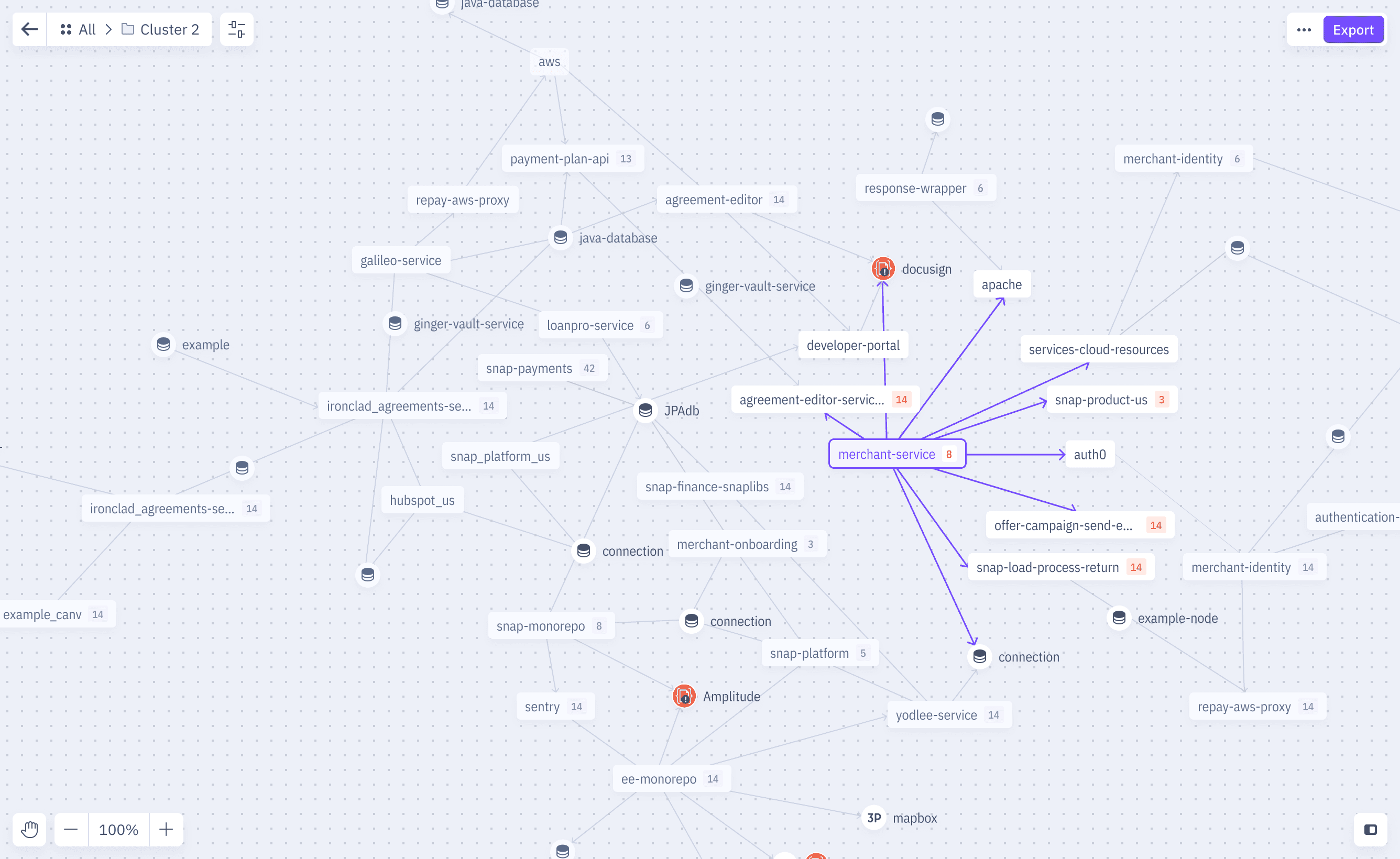
Knowledge Graph
Each object represented with its own node. Connections show dataflow from source to sink.
A true representation of the application
Needs knowledge of technical architecture
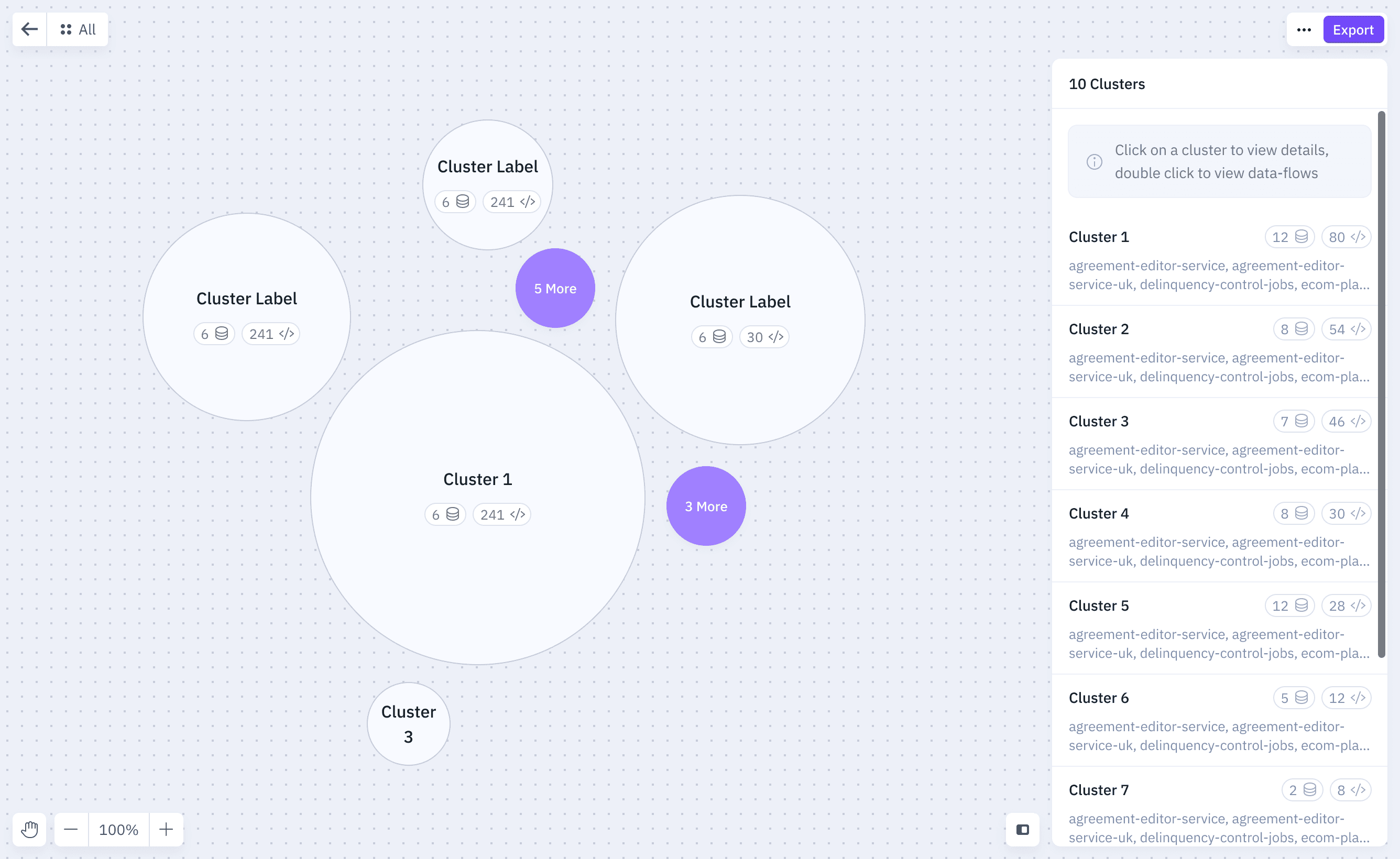
Cluster Groups
Objects from similar family (user journey, features) grouped together.
Similar representation as a knowledge graph
More structured interface with progressive disclosure
Still needs an architectural knowledge of the mobileapp
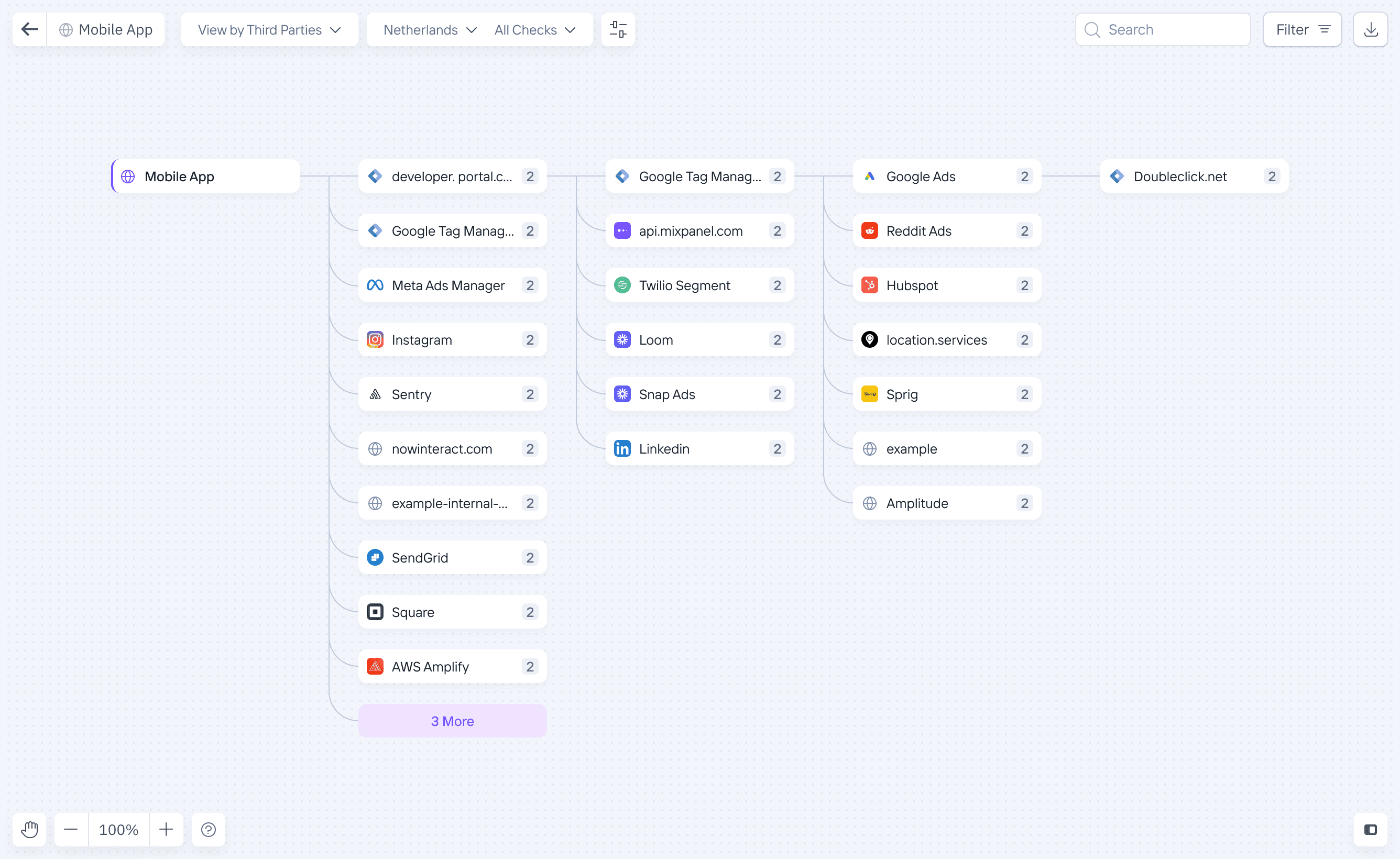
Tree Map
A more hierarchal view that allows you to drill in and see details as needed.
Abstracts the architecture into simpler representations like pages
Still needs an architectural knowledge of the mobileapp
Simulating mobile apps to build data flows
All the above approaches involved an abstraction, prompting privacy teams to think in terms of technology rather than user interactions. This led us to explore a different method that simulates the app. Privacy teams interact with the app as a user would, and we obtain privacy insights by monitoring data such as network logs and app storage. Most of the insights, without scanning code or manual mapping.
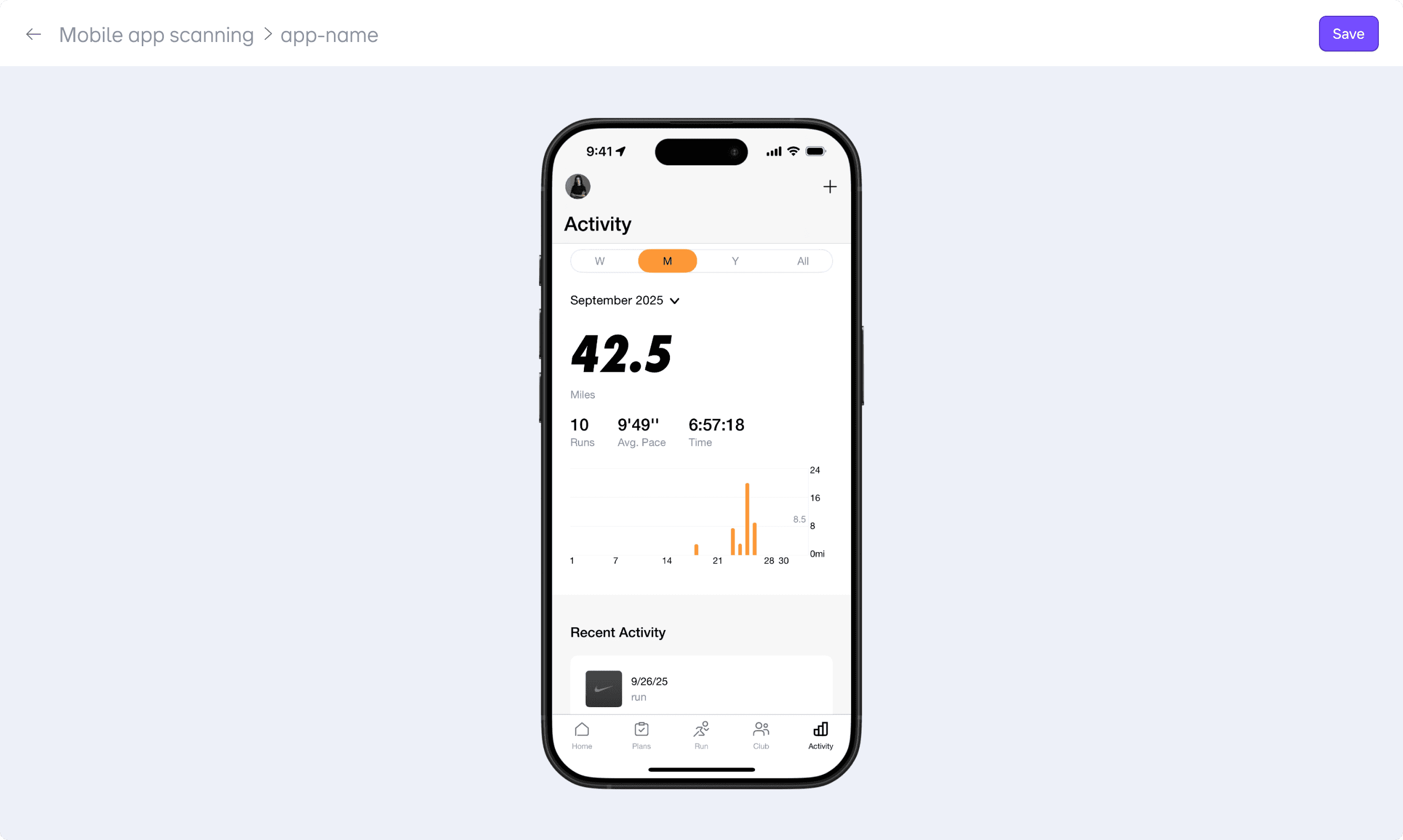
Simulating mobile apps in Privado to map dataflows
Abstraction vs Simulations
These two approaches were very different, with different compromises. The main question became: comprehensive vs faster insights.
Abstraction
Maps the entire app, like our web code-scan, covering all flows.
Need to know app architecture, technical details and manually map a majority of the app before seeing any results.
Simulation
Record a single user journey in 5 minutes and see results almost instantly.
User journeys live in isolation without a way to map dataflows between
+
Delivering results within a few minutes was a great value unlock for privacy teams
+
Single flow lets teams prioritize which flow to cover first by compliance risk.
+
Recording a single flow meant thinking linearly, without any need to understand the app architecture.
Solution
Upload mobile apps and start testing user journeys
Adding a new mobile in Privado
Versioning across different builds
Automatic version control
Delta from previous app versions
Versioning is handled automatically using app metadata. Delta between two versions is surfaced to show what actually changed and what needs attention.
Recording user journeys to test for compliance
Privado records and saves your interactions automatically
Testing mobile apps in Privado is as simple as recording a user journey. Simply perform actions and privado records various actions, and the resulting data flows. Recorded 'Tests' are saved and can be rerun to automatically test new updates.
Perfecting the Toolbar
Modeled the toolbar around one familiar metaphor: Recording
The biggest challenge here was the toolbar. It needed to be simple enough to convey what's expected from the user and at the same time convey the different actions and states. We started by exploring a few options: placement, micro-copy, status updates and visual weight before finding the perfect balance.
Complete visibility into mobile apps
Mobile app Overview
Each mobile app has layers of details: SDKs, permissions, data elements, and third parties spread across multiple views. The overview dashboard surfaces what needs attention and what's changed, so the privacy team knows exactly where to dig in.
Speeding up Test Recording
Notes for added context
Templates for test recordings
We added notes to allow privacy teams to add context, steps, or any other details that might be needed in future retests.
Results
Winning 5 new enterprise customers
The mobile app scan was the final missing piece in our suite of privacy tools. Privado now covers all touchpoints: web apps, websites and now mobile apps.
This unlocked new industries for Privado: mobile gaming, consumer apps, and e-commerce. Landing 5 new enterprise customers in a single quarter.